
Train on a live company environment, on the hardware it runs on.
One connected path for people who already know networking principles: the network, the servers, security, voice, and applications. On real servers and real devices.
Windows Server Active Directory FortiGate VMware Issabel Veeam
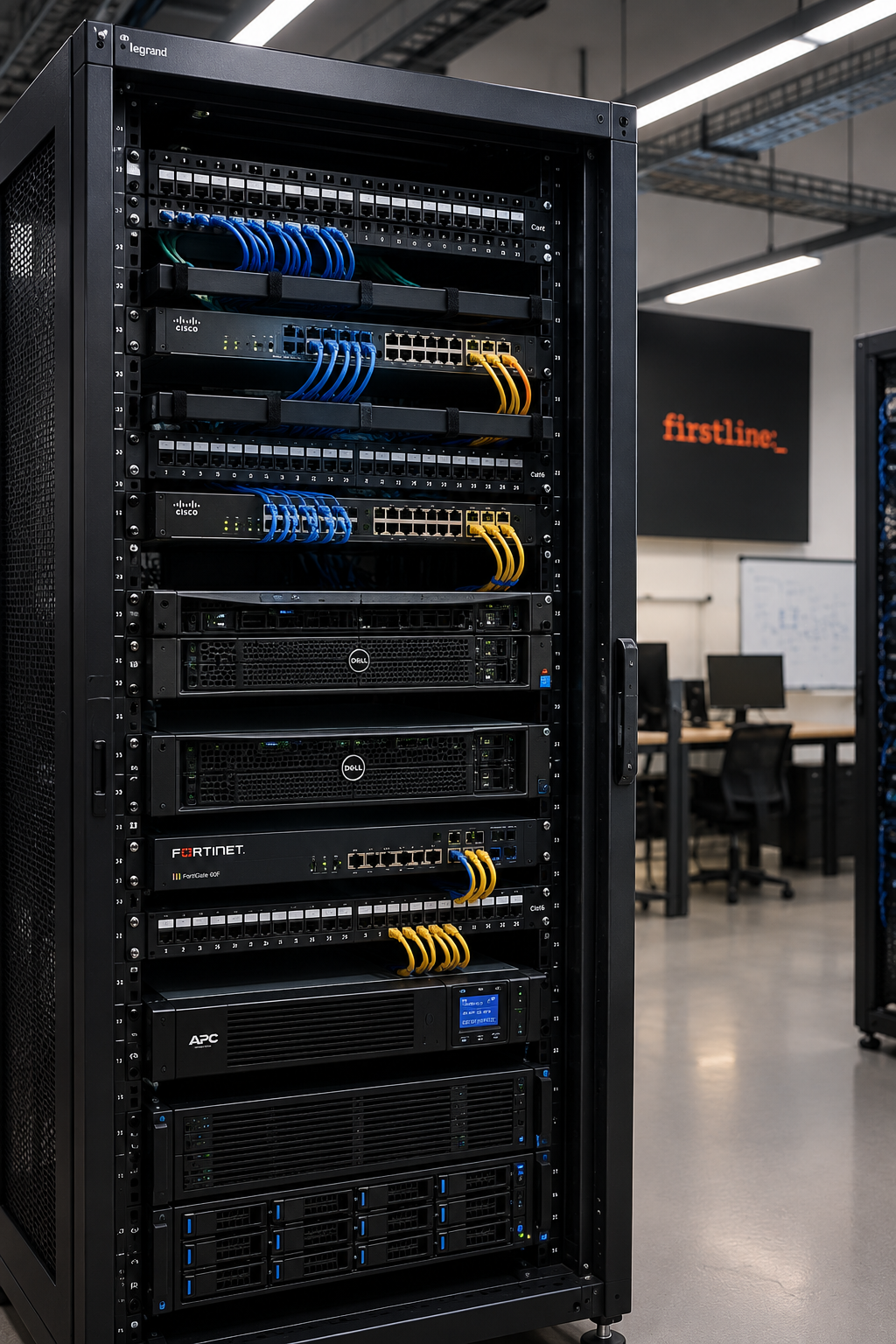
The environment
The same stack shows up in company rooms: a domain, a firewall, a PBX, and an application that fails in the middle of the day. Each layer depends on the one before it.
-
01
Network
Configure switching, routing, and VLANs, and trace a broken connection on the devices themselves.
-
02
Systems and infrastructure
Build a Windows Server domain with Active Directory, Group Policy, DNS, and DHCP, then run it on Hyper-V, Proxmox, or VMware with Veeam backup behind it.
-
03
Security
Write FortiGate policies and NAT, protect the wireless edge, and read events through SIEM and EDR the way a SOC does.
-
04
Voice
Install Issabel, create extensions, and carry a call through an IVR and a SIP trunk.
-
05
Application faults
Send the request in Postman, read the status code and the log, and decide whether the fault is the network, the port, or the application.
What you will do with your hands
- Configure a switch, a router, and VLANs, and trace a connectivity fault.
- Build a domain: users, groups, DNS, DHCP, and Group Policy.
- Run file permissions, and handle repeated admin work in PowerShell.
- Write FortiGate policies and check what they do to access.
- Install Issabel, create extensions, and bring up an IVR and a call path.
- Send the request in Postman and decide whether the fault is the network, the port, or the application.
- Network and security
- Switching, Routing, VLANs, Routing Protocols, Wireless Access Points, FortiGate, SIEM, SOC Operations, Incident Response, Threat Hunting, Endpoint Security.
- Systems
- Windows Server 2022/2025, AD DS, GPO, DNS, DHCP, File Server, NTFS, PowerShell, WSUS, troubleshooting and monitoring, Hyper-V, Proxmox VE, VMware ESXi and vSphere, Backup and Disaster Recovery, HA and clustering, shared storage and NFS, SAN, VDI, Omnissa Horizon, NVIDIA vGPU, Veeam Backup & Replication.
- Voice
- VoIP fundamentals, SIP and RTP, Issabel installation, extensions, softphones, call features, PBX call management, IVR, SIP trunks, final project.
- Applications
- HTTP/HTTPS, REST APIs, Postman, DNS and ports, firewall dependencies, API authentication, application logs, HTTP status codes.
The lab
You practice on the server and the device, not on a simulation you close at the end of the day.
- Real servers and real devices.
- One company scenario. Each layer stays in place for the next layer.
- A layer is finished when the work can be done again on the hardware.
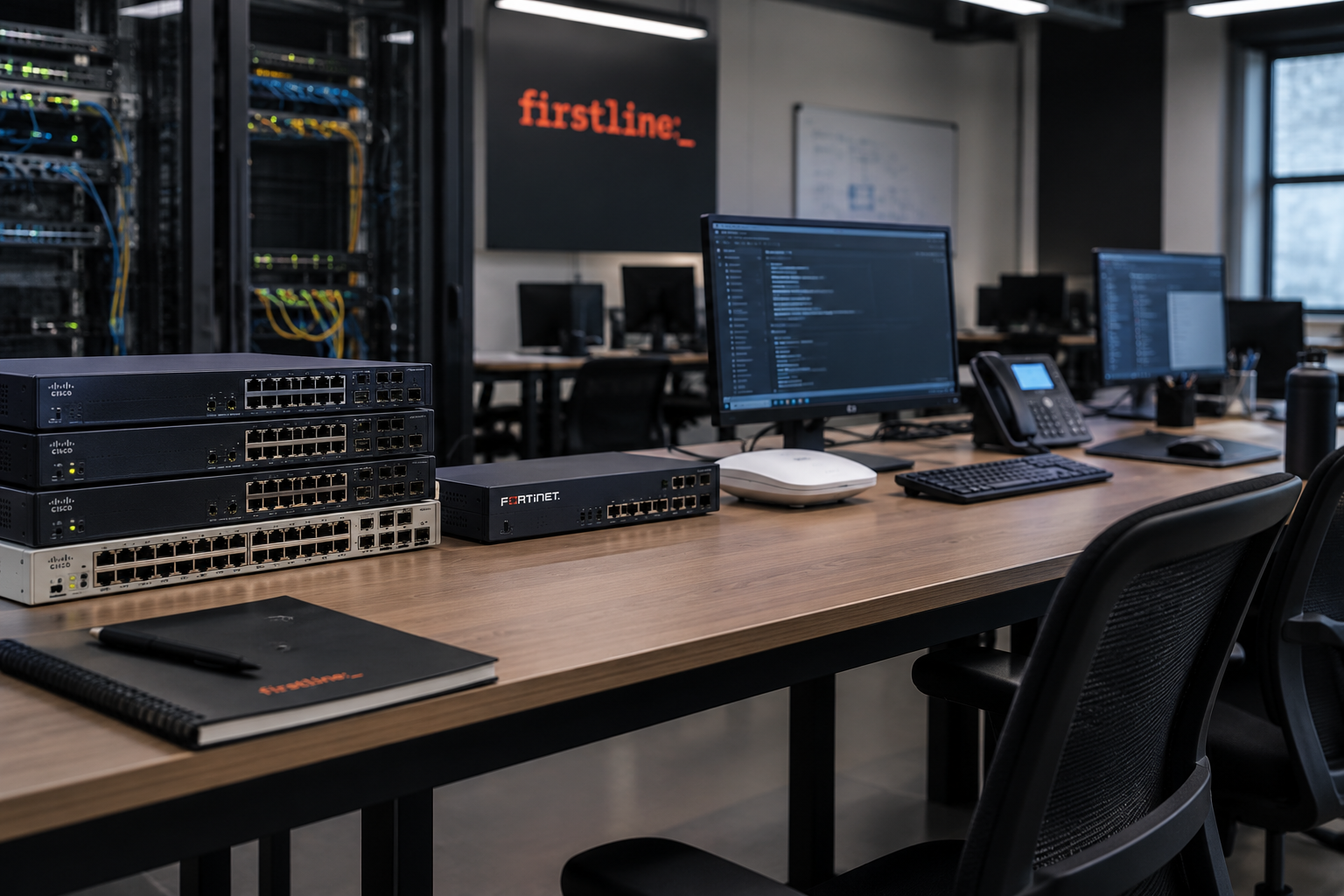
Who it’s for
Apply if you already know networking principles and you want to run them inside a company.
Don’t apply if you have not studied networking yet, or you only want to watch explanations.
The form asks about that background. Lab time is not spent re-teaching the principles.
Who runs each layer
- Abdlrahman Shokry & Pola MagedNetwork and security.
- Mohamed Ibrahim & Hassan MahmoudSystems and virtualization.
- Omnia Ahmed MohamedVoice and the call platform.
- Sayed AhmedApplication faults and how they meet the system.
When the path is complete
You can explain what you are doing, do it on the hardware, and isolate a fault in the network, the systems, security, voice, or the application.
Someone who finishes every layer can walk into a real operations environment and work in it.
Apply if you already know networking principles.
Enrollment is paid, after your application is reviewed.
Apply for a placeFirstline Courses is run by Firstline.
Questions
- Are these separate courses?
- No. One path. Each layer uses what you built in the layer before it.
- Is knowing networking principles enough to start?
- Yes. That knowledge is the entry requirement.
- Where does the practice happen?
- On real servers and real devices, inside a real company environment.
- Is enrollment free?
- Enrollment is paid, after your application is reviewed.